
Payment Methods In Gamespot Casino
Updated
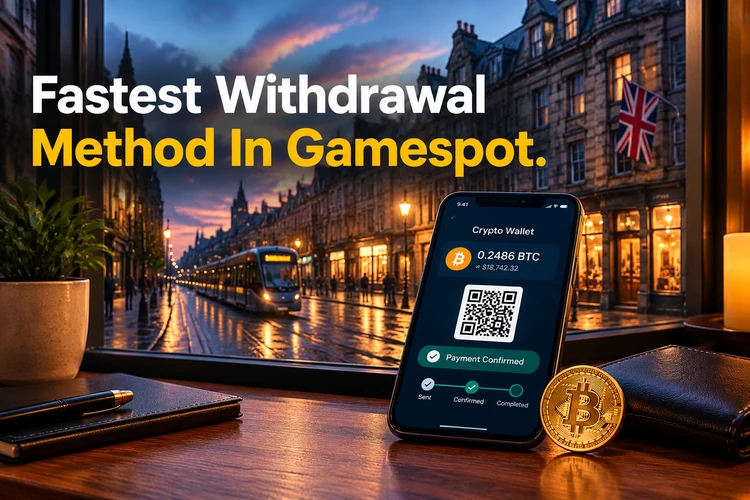
Gamespot processes withdrawal requests without a maximum amount, while cryptocurrency payouts usually arrive before card and e-wallet transfers. This guide explains Gamespot payments, expected timings, withdrawal conditions, and ways to receive funds faster. Use the same deposit and withdrawal method where possible, complete verification early, and check the cashier before confirming your request.
Payout Timings In Gamespot Casino
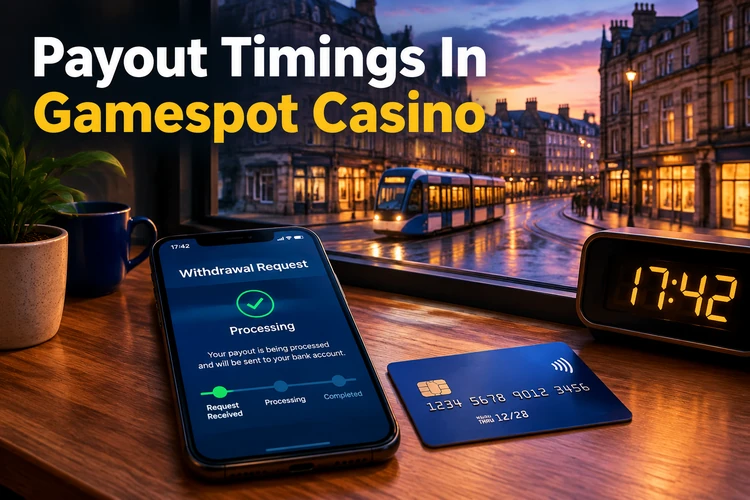
Each Gamespot payout has two main stages - waiting for the request and processing it. The waiting stage usually lasts up to 15 minutes. Processing can take up to five business days. Your first cash-out may also require verification, which can take up to five business days. An additional review may extend the total time to 14 days.
| Stage | Estimated Time |
|---|---|
| Waiting for the request | Up to 15 minutes |
| Payment processing | Up to 5 business days |
| First withdrawal verification | Up to 5 business days |
| Additional review | Up to 14 days |
Cryptocurrency transfers usually reach a wallet sooner than payments sent to cards or e-wallets. That does not remove account checks or wallet confirmation. Compare the final network fee and receiving address before approving a transaction. A review inside Gamespot casino can pause a payout if account information does not match.
Fastest Withdrawal Method In Gamespot
When speed matters, cryptocurrency is usually the fastest option in the Gamespot payments system. It removes card and bank transfer waiting stages. You pay the network fee, so the final cost depends on the selected blockchain and its current demand. Confirm the wallet address before approving the request. Different tokens can settle at different speeds.
- Supported cryptocurrency options include USDT, BTC, ETH, and LTC.
- Bank transfer delays do not apply to cryptocurrency payouts.
- The blockchain network fee is the main transfer cost.
- Deposits and withdrawals should use the same method.
Requesting the fastest Gamespot withdrawal does not mean skipping checks. Confirm the token network, wallet address, and amount before approval. A mismatch may trigger a manual review.
How To Speed Up A Gamespot Withdrawal
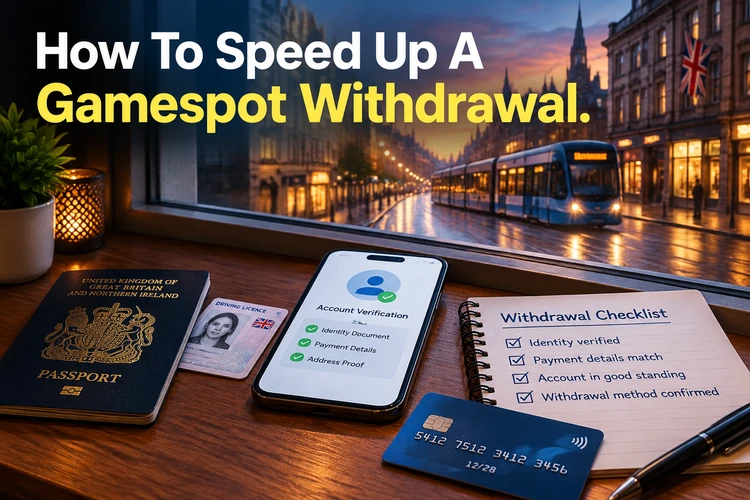
Several checks reduce the chance that a cash-out enters additional review. Complete KYC immediately after registration, before sending funds. Use the same payment method for depositing and withdrawing whenever possible. Check that the account name matches every payment document. Small corrections before confirmation are easier than later requests for proof.
- Complete account verification after registration.
- Use the deposit method for the withdrawal.
- Wager the deposit three times before requesting funds.
- Do not cancel a submitted withdrawal request.
Wager the deposit three times before requesting a Gamespot casino withdrawal. This does not replace the wagering rules shown for a specific promotion. Keep the request active until the cashier confirms it.
Payment Security At Gamespot

Gamespot payment data is protected through SSL encryption during transfer. KYC and AML checks help identify the account holder and review unusual activity. Payment methods must be registered in the player name, including wallets and bank accounts. This reduces mistakes and unauthorised use of a payout method. It also makes support checks easier when documents do not match.
- SSL encryption protects payment information during transfer.
- KYC and AML checks review identity and account activity.
- Cards, bank accounts, and wallets must belong to the player.
Users of Gamespot online casino should keep login credentials and one-time codes private. A chargeback filed without grounds can lead to account suspension while the payment provider investigates. If a transaction was not yours, secure the bank and Gamespot accounts before using either service again.
Deposit Options At Gamespot Online Casino

The Gamespot deposit section supports cards, e-wallets, and cryptocurrencies. Available options can vary by account, so the cashier is the final source for current methods. The minimum deposit is €10, while the minimum deposit for a bonus is €5. Check the amount, currency, and payment method before confirming.
- Visa cards
- Mastercard cards
- Skrill wallet
- Neteller wallet
- Revolut wallet
- USDT, BTC, ETH, and LTC cryptocurrencies
- Minimum standard deposit - €10
- Minimum bonus deposit - €5
Card payments may require the billing address tied to the issuing bank. Crypto deposits appear after network confirmation. Keep the transaction record until the balance updates.
Fees And Additional Conditions In Gamespot
Gamespot may charge a withdrawal fee in some cases, and the amount appears in the request. Read it before confirming. A deposit may need wagering without a bonus, or the casino can apply a fee.
- Withdrawal fee - the amount is displayed in the withdrawal request.
- Unmet deposit wagering - a fee may apply under the stated conditions.
- Changing method list - available payment options can change without prior notice.
- Hidden conditions - review the cashier before submitting a request.
Payment methods can change without prior notice. Check the cashier before submitting. Changing devices does not alter account fees. Keep enough balance for the displayed amount and required wagering.
Cashier Access Through Gamespot Login
Gamespot login opens the cashier after signing in with email or phone number. Deposit and withdrawal options share one section. The process works the same on desktop and mobile. Check methods, fees, and verification requests before choosing.
- Sign in with your email or registered phone number.
- Open the Cashier section from the account menu.
- Choose Deposit or Withdrawal.
- Review the amount and confirm the request.
Login details must match the registered account. Update a changed phone number before payment confirmation. Support should never request your password or one-time code.
FAQ
Cryptocurrency is usually the fastest because it avoids card and bank transfer delays. Confirm the token network and wallet before approval.
A fee may apply in some cases. The amount is shown before you confirm the withdrawal request.
Verification is the most common cause in the Gamespot payout process. Incorrect account details or a manual review can also add time.
Gamespot does not set a maximum withdrawal amount. The available balance and any displayed fee still affect the request.